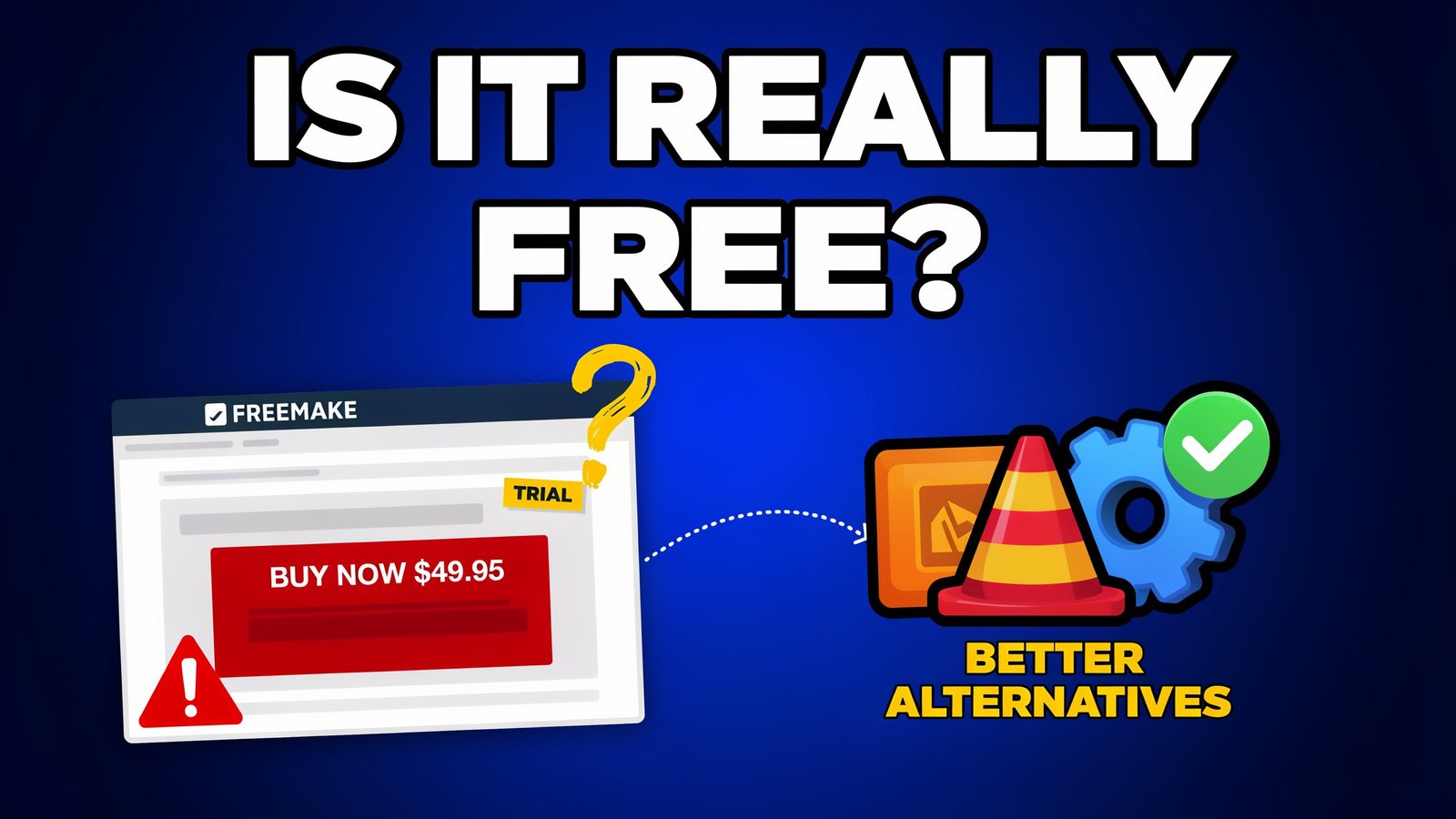
Few downloads trigger as much regret as converting a family video for an hour and discovering a giant logo stamped across the middle. That scenario explains why so many searches for freemake software end in frustration. This guide separates what the program does well from where “free” stops, and gives you a quick way to decide before you export anything you care about.
What is the Program?
Freemake’s primary software is the video conversion applications for Windows. According to the listings, it’s a free multimedia converter that can convert video files to MP4, AVI and MKV among other video formats and the latest version listed is 6.0.1. Another directory claims to help with more than 500 different types of media and provides simple editing. Additionally, it is capable of burning videos to CDs and DVDs – something that most current video converters are unable to do. There are two points to be aware of in case it comes in handy: it’s Windows software and there isn’t a Mac version.
The Watermark Question: Free Versus Usable
This is the heart of the matter. The free edition does convert files, but with branding added. Wikipedia’s history of the app traces how this grew: from version 4.0.4 in August 2013, a promotional watermark appeared at the end of videos longer than five minutes unless a paid pack was activated. Later, from version 4.1.9.44 in May 2017, a welcome screen is added at the start and a large logo is placed in the center of the whole video.
Reviews agree on the practical outcome. One directory says the free tier is fine for testing but won’t give output suitable for sharing. Another states plainly that there is no official way to remove the watermark for free.
So the accurate answer to “is it free?” is: free to download and try, not free to use for finished videos.
Original Framework: The Watermark Reality Check
Before you install, answer these four questions.
| Question | If “yes” |
| Will the video be shared, posted or sent to a client? | A watermarked export won’t work; you need a paid tool or a free alternative |
| Is it a personal test or a quick format check? | The free version may be enough |
| Do you need 4K or modern codecs? | Check carefully (see below) |
| Do you convert large batches regularly? | Free-tier speed limits will cost you time |
Scoring: three or four “yes” answers on the first, third and fourth questions mean you should skip the free tier entirely and pick a different tool from the start.
Limitations Beyond the Logo
Rival-vendor reviews list further limits, and since they have a commercial interest, verify any that matter to you. One review states the free version has no 4K output and no HEVC or AV1 encoding without a paid plan, plus slow conversion speeds, high CPU usage and bundled software that requires active opt-out during installation.
There is disagreement worth flagging. Another comparison claims that even the paid version lacks 4K support and HEVC/AV1 conversion. The sources contradict each other on what the paid tier includes, so check the current feature list on the developer’s own page before paying.
The price is also not clear. A third party comparison suggests 54-70 a year or 60-80 for a lifetime license, but promotions vary often, and anyone who sells a competing product isn’t the final authority.
Is It Safe?
Reasonably, with care. The app overall is considered safe to install, but needs attention during installation, and is not a virus, according to a 2026 review. No catch, optional bundled software and upgrade prompts.
Use this install routine for freemake software, or any freeware:
- Download only from the developer’s own website.
- Choose “custom” install and decline any extra programs.
- Read each screen before clicking Next.
- Never search for “activation keys” or cracks. Pages promising them are a common route for malware, and a licence costs less than a cleanup.
Original Framework: Pick the Right Tool for the Job
| Your task | Better fit |
| One-off format conversion, no watermark | A fully free open-source converter such as HandBrake or VLC’s Convert/Save |
| DVD burning with menus | Freemake’s paid edition, or a dedicated burner |
| Batch converting for work | A paid converter with confirmed hardware acceleration |
| Command-line or automation | FFmpeg |
| Mac or Linux user | Not this app; use a cross-platform tool |
The watermark-free HandBrake, VLC and FFmpeg projects are all free and open-source. Don’t believe any rankings, even this one, but compare with your own files.
Final Thoughts
Freemake software at first was an easy and beginner-friendly Windows converter, but the free edition must be considered a test run. If you want a nice and clean video, ready for sharing, then you’ll have to pay for the licence or go with an open-source one that never puts a logo on your video. Before installing, do the Watermark Reality Check, follow the safe install instructions, and check current pricing & features from the developer’s site. If used for the right job, it works well. It will let down the one who expects to get the product free.

One Response