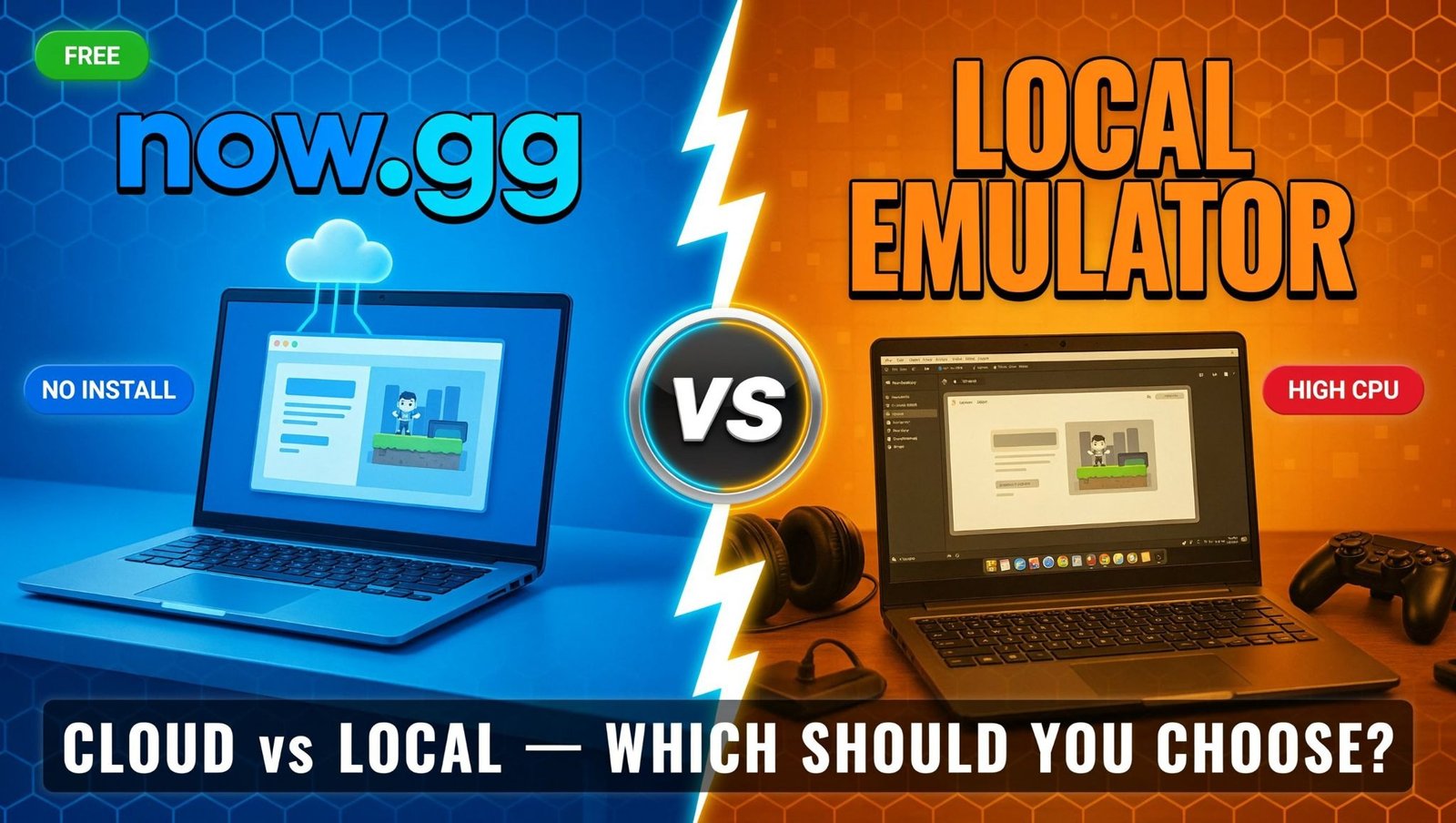
Most of the tips on cloud video gaming appear like a product brochure. The guide has been developed as a decision-making device. It covers the concept of cloud gaming on Android via the browser, what it can do and what it cannot, and provides you with a consistent scoring system to help make the decision to stream or install. The platform is a valuable case study for reasons of its strong brand, unusual structure, and the number of lookalike sites attracted to the platform.
Note on methodology: The scores and thresholds below are editorial estimations derived from the observed platform behavior and common streaming needs. They are not laboratory standards. Test on your own equipment and connection.
Browser Based Android Cloud Gaming: What Is It?
Cloud gaming with a browser works by playing a mobile game on a remote server and showing the video in your browser, and your taps, clicks or keystrokes are sent back to the remote server. No local installations are made. Input only is sent to your device, which decodes the video.
Here, the platform concentrates on mobile titles and Android applications. It doesn’t go after AAA PC or console libraries, where services such as GeForce NOW and Xbox Cloud Gaming will compete. It’s the most frequent mistake made by new users. They’re looking for a Steam-like catalog and they get one that is focused on Android.
From a structural perspective, the company was established in 2020, and the technologies used by the company in its cloud-based solutions enable the hybrid cloud that supports BlueStacks X, which was developed in partnership with BlueStacks’ sister company. In practice, both sides are from related companies: the cloud-streaming and the side and the installed-emulator. These are two versions of the same Android game library.
Why it matters: This changes your costs with the delivery model. You sacrifice disk space, install time, hardware requirements, and control over settings for bandwidth dependence, ads or subscriptions, and less control over settings.
The Cloud-vs-Local Decision Matrix (Original Framework)
Rate on a scale of 1 to 5 each of the factors for your situation and multiply by the weight, then total them up. The higher the cloud total, the more likely that streaming fits you. A high local total indicates that an installed emulator is suitable for you.
| Factor | Weight | Cloud favored when… | Local favored when… |
| Storage available | 2 | Under 10 GB free | 50 GB+ free |
| Device power | 3 | Old laptop, low-end phone, Chromebook | Modern gaming PC |
| Connection quality | 4 | Stable broadband or Wi-Fi, low jitter | Unstable, capped, or mobile data |
| Session style | 2 | Short, casual sessions | Long grind sessions |
| Input needs | 2 | Basic touch or keyboard play | Custom key mapping, macros, multi-instance |
| Privacy comfort | 3 | Comfortable with streamed sessions and ads | Want offline control and minimal tracking |
Its reading: Connection quality is the most important since it’s the sole contributor that can ruin cloud play, no matter what else is going on. The best device won’t do much on a poor network, and the poorest device will do quite a bit on a good network.
Quick rule of thumb: A general rule of thumb is to use local when your connection score is 2 or less, regardless of what other information is in the matrix.
The 5-Minute Cloud Readiness Test (Linkable Checklist)
Run this before you spend time on any streaming platform. It takes about five minutes.
- Stability test – perform a continuous test for 60 seconds, and observe fluctuations. Jitter is more important for streaming than raw speed.
- Latency check: Ping a nearby public server. If the time is under 40 milliseconds, then it is responsive; 40-80 milliseconds is playable for casual games, and over 80 milliseconds is frustrating for fast action games.
- Stability check: Take a continuous test for 60 seconds and monitor for spikes.
- Jitter matters more than raw speed for streaming.
- Network type check: Wired or 5 GHz Wi-Fi is better than 2.4 GHz and shared networks. Keep up to the router before pointing the finger at the service.
- Browser check: If using a browser other than Chromium or Safari, ensure that it is up to date and close any heavy tabs, and disable extensions that add scripts to pages.
Pass criteria: Four or more checks passed means cloud play is realistic. Two or fewer means installing locally will serve you better.
Download Games on Now.gg
The Trust and Safety Checklist
Popular cloud gaming names attract imitators, ad-heavy mirror sites, and phishing pages. Apply these rules before entering any login.
- Verify the exact domain. Type the address yourself instead of clicking search ads or social links. Look-alike domains often swap a letter or add a suffix.
- Treat sign-in carefully. Prefer a throwaway or secondary account for casual play, and never reuse your main password. Streamed sessions run on remote machines you do not control.
- Do not enter payment details for unpriced offers. In 2026 a group of reviewers commented that there was no official and transparent pricing table for the paid tier.
- If a page asks for a card without clear pricing and cancellation terms, close it.
- Expect ads on free tiers. Ad-supported access is now common across the industry, so ads are not a red flag by themselves. Pop-ups demanding downloads or permissions are.
- Never install “required” extensions or APKs. A genuine browser-streaming service should not ask you to sideload anything.
Where Free Browser Cloud Gaming Is Heading
Free tiers in cloud gaming are increasingly funded by advertising, with paid tiers offering longer sessions, priority access, or fewer interruptions. This follows a pattern seen across streaming media: free access builds the audience, then convenience becomes the product.
For users, the practical effect is that “free” will likely come with session limits or ads, while uninterrupted play will cost money. For this reason the decision matrix above includes a privacy and tolerance factor rather than treating price as the only variable.
For developers and publishers, browser delivery removes the install step, which can lower friction for trials and demos. Mobile teams should consider how their games behave when streamed, including touch-to-mouse input mapping, orientation handling, and session timeouts.
Practical Takeaway
Use the weighted matrix first and the 5-minute readiness test second. If you have a stable connection, limited storage, and play in short sessions, browser streaming through a platform like now.gg is a low-friction way to try Android games on any device. If you want long sessions, macros, or offline control, an installed emulator remains the better tool. In both cases, protect yourself by verifying the domain and keeping your main accounts separate.