Quick Answer
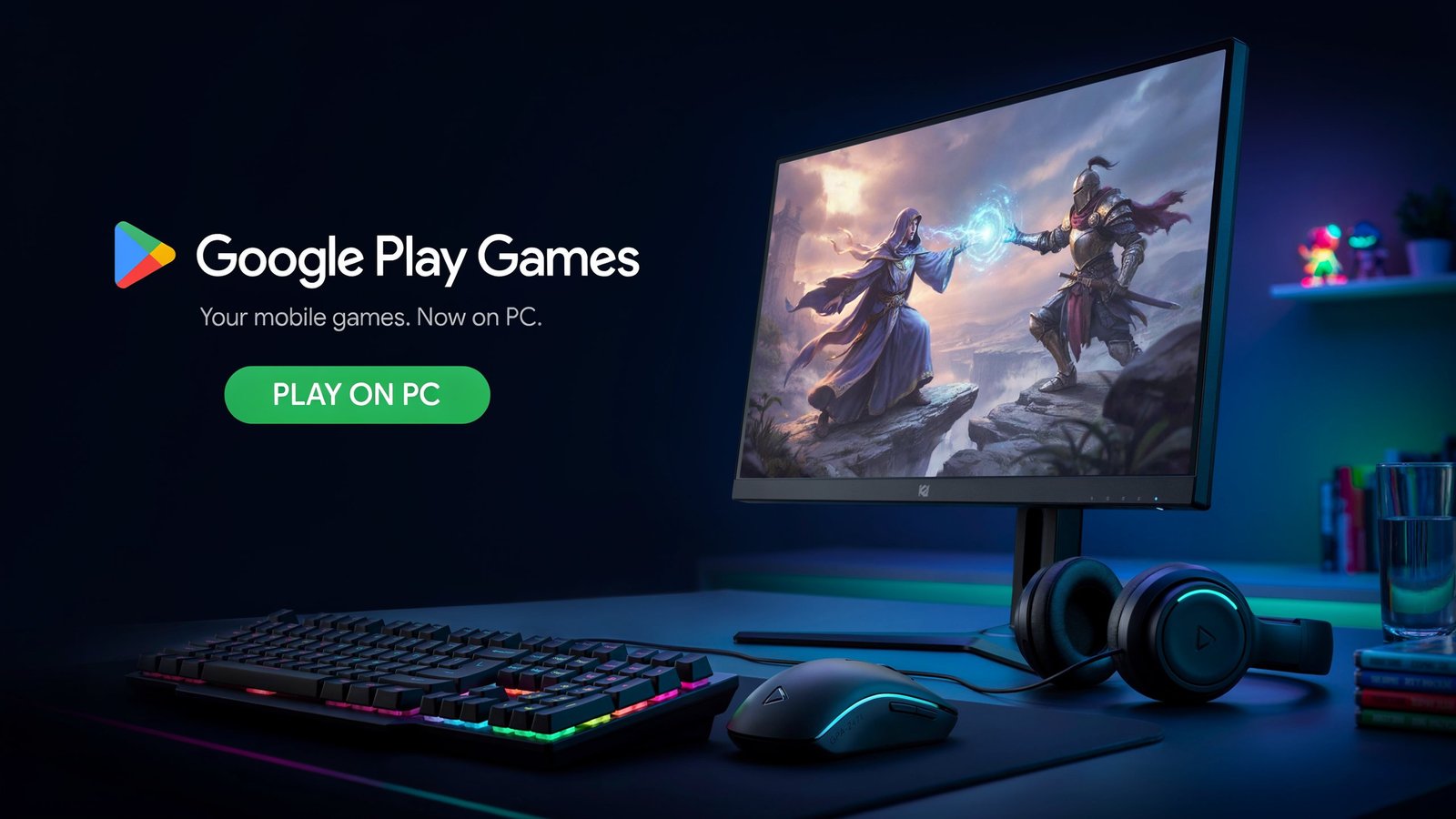
Google Play Games on PC is an official app for playing Android games on a PC. Requirements are Windows 10 (2004 or newer), 8GB of RAM, and hardware virtualization enabled. It is not supported on Mac. Games vary in playability and are not always available in all countries and accounts.
This guide explains the required items, the changes to them since launch, what the catalog provides and a 4-point test to check before installing. We did not test the app in the field, but we refer to Google’s pages and to press coverage and highlight when there were differences in sources.
1. What You Need: Current Requirements
Google lists these minimums on its official Play Games page. Requirements: They need Windows 10 (v2004), 10GB free disk space on their SSD, a GPU like Intel UHD Graphics 630 or similar, 4 physical CPU cores, 8GB of RAM and an admin account on Windows. The hardware virtualization feature should be enabled as well.
Google’s help page suggests a gaming-class Nvidia GeForce MX450 graphics card for smooth gameplay, and mentions that some games may need an Intel CPU.
Platform limits matter too. Google Play Games was reported as not available for Mac. If you’re on macOS or Linux, this app is not your route.
2. How the Requirements Changed
Many guides still repeat the original hardware demands. They have since dropped, which is a useful correction for readers.
This table is our own synthesis of the sources below.
| Spec | Early beta | Current minimum |
| CPU | Eight cores | 4 physical cores |
| GPU | “Gaming-class” GPU | Intel UHD 630 or comparable |
| Storage | 20 GB | 10 GB SSD |
| RAM | 8 GB | 8 GB |
3. Availability, Accounts and the Catalog
Region and account. Google’s help page says you must use a personal Google Account and have your Play country set to a supported region, and some regions may require age verification. Google’s product page says the app is available in more than 130 regions. Check the official region list for your own country before downloading anything.
Beta label. Google’s help page still referenced the beta when we reviewed it, while its marketing page did not. Treat the status as something to verify rather than assume.
What’s in the catalog? Google says more than 200,000 games are available across all regions. That figure covers a wide range, so count quality differently from quantity. Google introduced “optimized” and “playable” badges, where “optimized” means a game meets all quality standards and “playable” means it meets minimum requirements. The catalog also expanded to include previously unavailable games, with developers needing to opt out if they don’t want their titles on Windows.
One critical view from PCWorld: despite the large number of games, Google lacks the AAA titles, subscription services and free games that competitors offer. Expect strength in mobile-first and indie titles rather than blockbuster PC releases.
Useful extras. Purchases on PC earn Google Play Points, and the app supports multi-instancing so you can run multiple games or accounts at once.
4. The Four-Point PC Readiness Test
We created this test so you can decide in about ten minutes whether installing is worth it. It isn’t a Google tool.
Point 1: Hardware. Do you meet the 4-core, 8 GB, SSD minimums? If you’re below them, Google warns some games might not run well.
Point 2: Virtualization. Is hardware virtualization enabled in your firmware? This is the most common stumbling block, and it’s separate from your CPU’s raw power.
Point 3: Account and region. Do you have a personal Google Account and a supported Play country? Work or school accounts may not qualify.
Point 4: Game fit. Does your target game carry an “optimized” or “playable” badge, and does it require an Intel CPU?
Scoring: four passes means install. A fail on Points 2 or 3 is fixable. A fail on Point 1 means expected performance compromises.
Linkable Asset: Google Play Games PC Pre-Install Checklist
- Windows 10 version 2004 or later confirmed
- SSD with at least 10 GB free
- 8 GB of RAM installed
- 4 physical CPU cores or more
- Hardware virtualization enabled in firmware
- Windows admin account available
- Personal Google Account with a supported Play country
- Target game checked for “optimized” or “playable” status
- Download taken from Google’s official page only
5. Who This Is Best For
The app is ideal for those who enjoy playing mobile games on a larger screen via keyboard/mouse and would like to see the progress synced across devices. Google points out it is a local Windows application that does not consume other device storage, such as phones. . It is a weaker fit if you want AAA PC titles or if you run macOS.
Some publishers are testing premium models. Google has been trialing paid titles and cross-buy with Android, starting with select games like Dredge. Treat those programs as developing, and verify what’s currently on offer.
Open Questions for Expert Contributors
- Game developers: What does the opt-out catalog model mean for your Windows testing burden?
- Hardware reviewers: How do integrated-GPU laptops actually perform against the stated minimums?
- Accessibility specialists: Do keyboard and mouse mappings improve access for players with limited touch control?
- Industry analysts: Can an Android-first store compete for PC players against established platforms?
Conclusion: The Practical Takeaway
Lower hardware requirements and a huge catalog make it easier to play Google Play Games on a computer than early guides state, but there are region limitations and the account and particular game’s support badge. The four-point test is a simple one to do before installing anything, if you’re looking for a simple computer setup for the Google Play Games use the Google Play official page to install.