
The majority of companies begin with the pre-made software. It is quick, inexpensive and effective until it is not. Then somebody says, “Perhaps we shall make our own.” It is at this point that custom application development comes into play, and it can be the point at which many companies make a costly error.
This guide is here to help you determine if you should build, how it affects the price and how to make sure a project doesn’t get out of hand.
What it actually means
You don’t have to modify your process for someone else’s product, you obtain a software developer or team to create software that follows your exact process. This might be a customer portal, a system that is used internally, a mobile app, a booking system or a system that integrates with the tools you may already be using, like a workflow engine.
You know the result, you know the plan and no one can change the price and no one can take away something that you need. You are also the duty to take care of it and make repairs, and to cover the expense of upgrades. The entire decision is based on that.
The Build-or-Buy Scorecard
Prior to speaking to any developer score your situation. Mark off 1 point for every statement that applies.
- There are less than 70% of the tools available which are ready-made.
- Our process is a competitive advantage, and we don’t want to hand it to a vendor’s template.
- We’re paying for several tools that don’t talk to each other, and staff copy data between them by hand.
- We expect real growth in users or data, and per-seat pricing is getting painful.
- We have a clear owner inside the company who can make decisions and answer questions weekly.
- We can fund the project and its maintenance for at least two years.
0 to 2 points: Buy. The ready-made product will be more useful and less expensive.
3-4 points:Think about a hybrid. Utilize current tools, and only create the necessary components.
5 to 6 points: A custom build is probably justified.
Point 5 and 6 matter more than people expect. Many failed projects have a good idea and no one inside the business with time to steer it.
What drives the cost
There’s no honest flat price, because the range is enormous. A small internal tool and a multi-role platform with payments sit in completely different worlds. These are the factors that move the number most:
| Cost driver | Why it matters |
| Scope and number of features | Every feature adds design, build, testing and upkeep |
| Platforms | Web only is cheaper than web plus iOS plus Android |
| Integrations | Each connection to a payment, CRM or accounting tool adds work and risk |
| User roles and permissions | Admins, staff and customers each need their own screens and rules |
| Design effort | A polished, custom interface costs more than a simple functional one |
| Security and compliance | Health, finance and data privacy rules add requirements |
| Team location and seniority | Rates vary widely, and cheaper isn’t always cheaper in the end |
The quickest way to deal with cost is to miniaturize the initial version. Create the basic functionality, publish it, then, add features as they are needed.
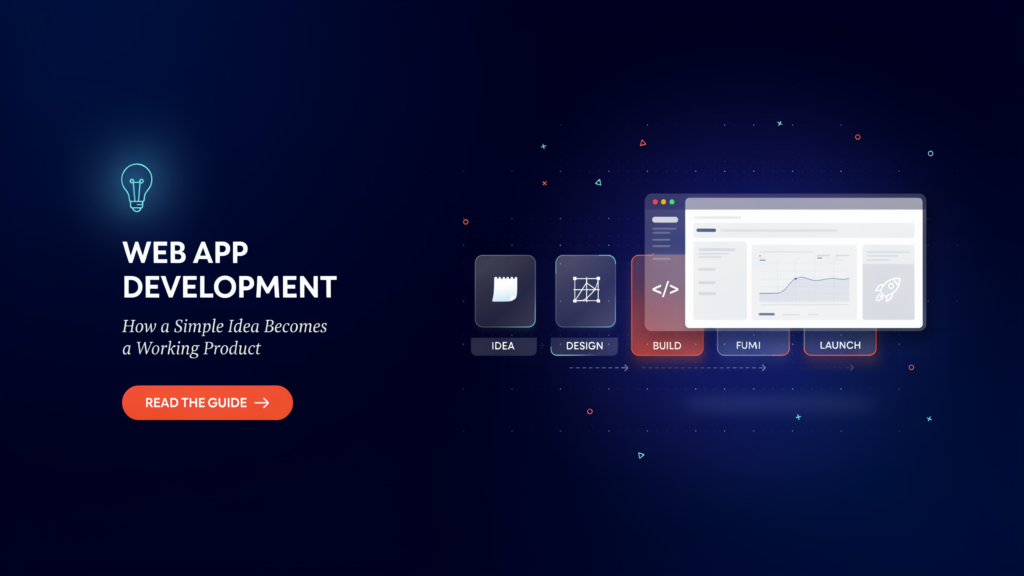
The process, and what to ask at each stage Most good projects have the same form.
Here are what to expect at each stage. Discovery. Your team should ask a lot of questions regarding your users and process before they quote you. After 20 minutes of a calling, if someone gives you a firm price, you must be careful.
Design. Request clickable prototypes prior to development.
Changing a drawing costs a little. Changing finished code costs a lot.
Development. Look for short cycles, with working software shown every one or two weeks. If you see nothing for two months, that’s a warning.
Testing. Ask who tests, what gets tested and how bugs get tracked.
Launch. Ask about the plan for moving your data and training your staff.
Maintenance. Software needs ongoing care. Budget for it from the start, and ask what’s included in support.
How to choose a team
Look at evidence, not promises:
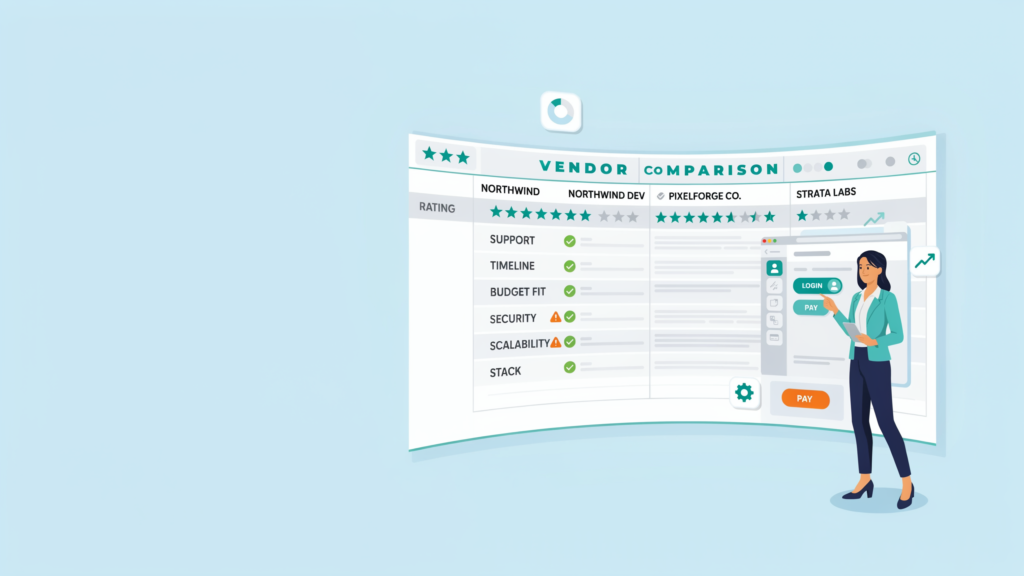
- Relevant past work. Ask for examples similar in size and complexity, and talk to a past client if you can.
- Clear communication. You should understand their answers without a technical dictionary.
- Honest pushback. A good team will tell you which features to cut. A team that agrees to everything is just selling.
Ownership terms. It’s in your contract to own the code and move it elsewhere.
Documentation. When the team walks out of the door tomorrow, would anyone else carry on with the work?
Ask again what happens when things don’t go their way. All projects run into problems, and how a team responds to problems speaks more than a sales pitch.
Errors that cost the budget that burn…Errors that cost the budget that burn…
Addressing features rather than issues. Record the problem and the person(s) who is having this problem. Features come later.
Attempting to do it all at once. There is a higher failure rate with big-bang launches than staged ones.
Skipping maintenance costs. Patches and security upgrades / fixes are ongoing after the release.
No internal owner. Drift with the project if no one on your side is responsible.
Opting for cheapness alone. Economies of scale and lowest bid is frequently missing from work that is later a change request.
The takeaway
When your business process is different, when there is no tool available to meet your needs, and you have the owner and budget to make it happen, custom application development is the answer. If you don’t do well on the score card, purchase something that’s pre-made. You score high, you go small, you do work demos, you own your code and plan for its maintenance day one.

2 Responses