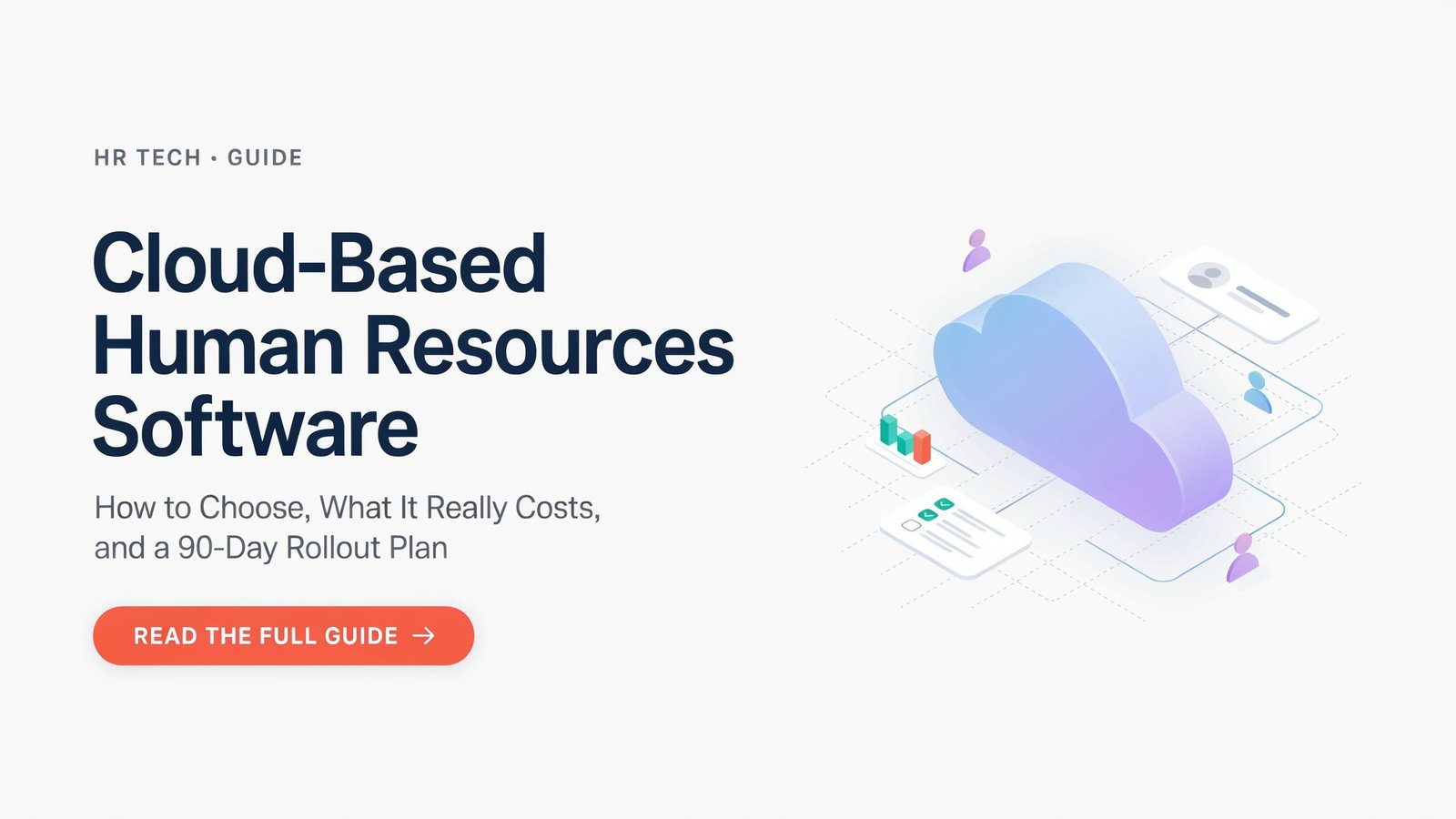
Most buying guides rate vendors and that’s that. This is not very meaningful when the ranking changes based on the number of employees (12 vs 400), or when two lists give different numbers for the same product. This guide is different, it will tell you what cloud based human resources software encompasses, how it performs as a company gets bigger, and provide you with some tools to make your own decision.
What It Covers (and Where It Stops)
Cloud HR platforms can handle a number of HR activities such as employee records, onboarding, time tracking and sometimes even payroll. In reality there are three types to distinguish between:
- Payroll as an add-on to HR-first systems (records, time off, performance, onboarding)
- Payroll-first systems that package HR tools around the pay run
- All-in-one platforms, including Rippling’s HR and IT and device management platform.
It’s more important to know which type to purchase than any feature list. A payroll-first solution can be lacking when it comes to performance reviews, and an HR-first solution can require additional payroll modules.
What the true cost is, sources differ
There are a number of variations in pricing in the published comparisons, with the same product listed at different prices, depending on the date and plan. Most of the platforms charge $4 to $20 per employee per month, one small-business comparison says, and further points out that per-employee pricing increases as more people are hired. Sampling several 2026 sources:
| Platform | Reported pricing | Notes |
| Gusto | $49 a month base plus $6 per employee on its Simple plan | One source lists a $40 base; plans change |
| BambooHR | $10 per employee per month on Core | Higher tiers cost more; extras are priced per module |
| Rippling | $8 per employee plus a $40 base fee | Another source lists $10 |
| Zoho People | $1.50 per employee | Others quote $1.25 to $4 |
| Large suites | SAP SuccessFactors and Oracle listed by quote, with one directory showing around $15 to $18 per user per month | Custom quotes; add implementation |
Two cautions apply. One review points out that a $10 per employee plan will still cost 25 employees at least $250 a month for the Core plan, plus additional modules for more money. Second, the low start prices don’t include implementation, payroll add-ons or integrations. Use each number in this table as a check to verify with the vendor.
New Calculator: Crossover One-Way Fees Calculator
As you hire, per employee and flat fee pricing have different behaviors. The crossing over the numbers of people says when a level plan is cheaper:
Flat fee − base fee = crossover headcount / per-employee price
For example, using published pricing, one cloud HR tool for small teams has a flat monthly pricing of $98 – $198. Compare with $49 per base payroll-first plan with $6 per employee. The crossover is (98 − 49) ÷ 6 ≈ 8 employees at the lower flat tier, and (198 − 49) ÷ 6 ≈ 25 employees at the higher one. The higher the number of people, the more expensive the flat plan is.
The problem is that they serve two different functions (HR records and payroll) so it can be misleading to compare only the price. Do not use the formula without matching features, and do not run the formula with only your current staff, but with 12 and 24 months staffing in the future.
Original Framework: The Size-Based Fit Ladder
Published recommendations cluster by company size. One review suggests Gusto for businesses under 50 employees, Rippling for 50 to 500, and Workday for enterprise. Use these as starting points, then adjust for your situation.
Security and Compliance: The Part Reviews Skip
The most important data HR systems possess are the very sensitive data that businesses possess: national ID, bank information, salaries, health information, etc. In assessing cloud HR software, check this off in writing:
- SOC 2 reports, available upon request, via independent security audits.
- Single sign-on and multi-factor authentication for all admins and employees.
- Role based access – so managers only see their team’s data,
- Record of who has looked at or updated a record (audit logs)
- Where you store data and how long you keep it, particularly if you use employees in the EU or other regulated areas.Where your data is kept and for how long, if you’re using employees in the EU or other regulated areas.
- Activates right of exportation and deletion when leaving.When leaving, enables the deletion and exportation rights.
Request the vendor to include answers within the contract, not the sales call!
The 90-Day Rollout Plan
If a tool is a good tool, it will fail badly when it is poorly deployed. A practical schedule:
- Days 1-14: Clean up your data. Remove any duplicate records, missing fields and inconsistent job titles prior to importing.
- Days 15-30: Set up Approvals, Leave Policy and Access Roles. Try to fly with one team.
- Days 31-60: Test on a parallel basis with your current system for one cycle and compare the results for any discrepancies.
- Days 61-90: Implement all, train managers first, establish one owner for continued management.
The parallel payroll run is the one that people overlook and regret. The lowest cost insurance against paying people wrong is it.
Final Thoughts
Three key considerations when selecting cloud HR software: headcount growth, platform (HR-first, payroll-first, or all-in-one) and actual total cost (up front and over time). Check the price first: the published figures will differ, cross-check the calculation with your growth plan, and make sure that security terms are secured in writing. Next, safeguard the deployment with clean data and parallel payroll cycle. A simple application done right, is better than a great application done poorly.