Quick Answer
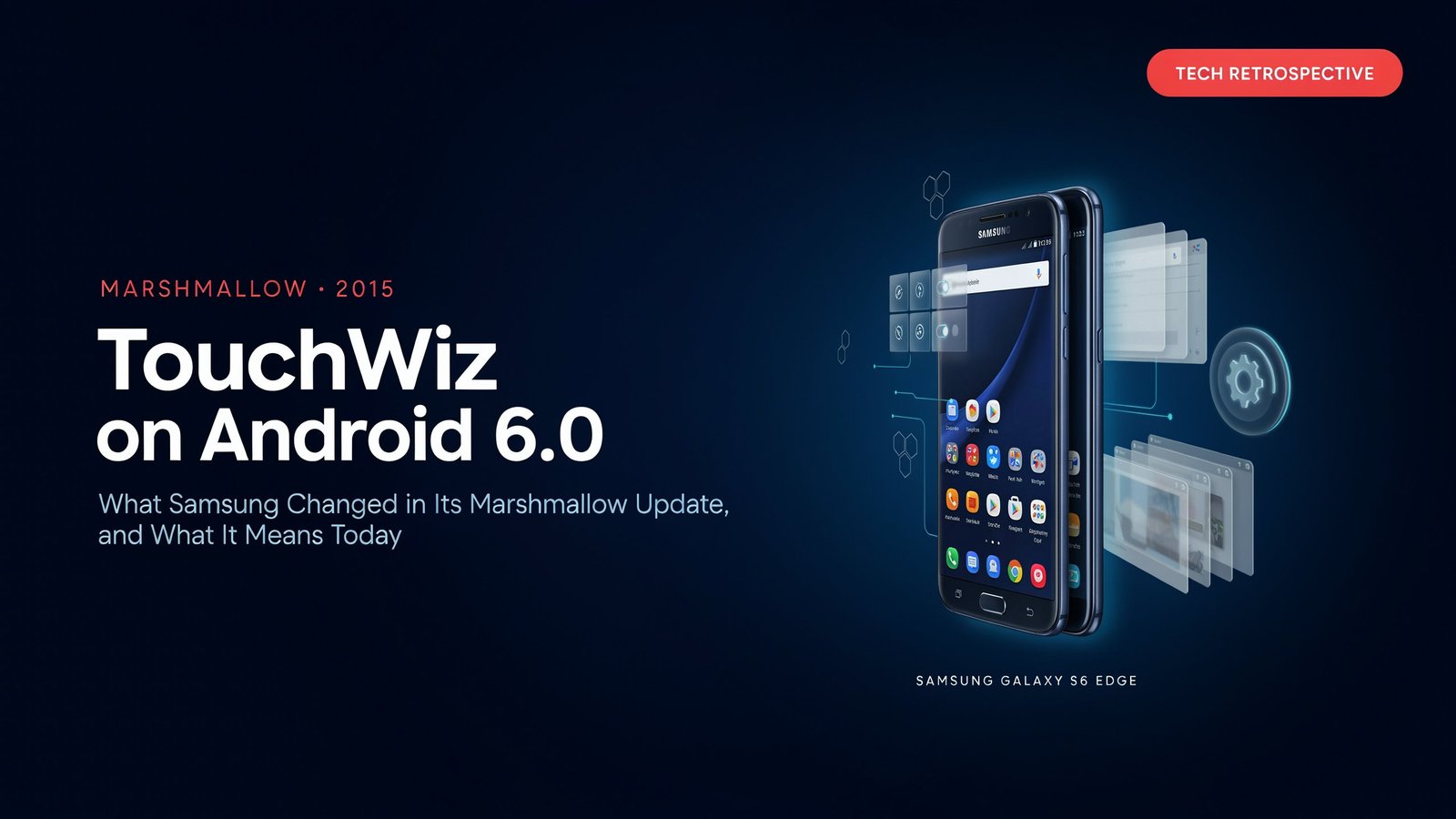
The TouchWiz interface and performance of Android 6.0 Marshmallow was a clean-up, rather than a redo. Samsung made the interface lighter, moved in the direction of Material-style design, refined the animation, and introduced additional elements, like a Pro camera mode with some flagships. If you are still running or supporting an older Samsung skin, which predates the Lollipop update, then this is the guide you need to take a look at and compare it to the Lollipop version, and see what’s changed and how it differs.
First, a heads up: The bulk of the information about TouchWiz Android 6.0 is from 2015 previews, leaks and early rollouts. We reference those documents and indicate what they are provisional of.
What Changed in TouchWiz on Marshmallow
The most visible shift was the interface. An XDA-Developers preview, reported by 9to5Google, described a new palette that was mostly white with the same green accents, plus Material design touches, new animations, cleaned-up menus and refreshed stock apps.
Performance was the other theme. The same report noted that the Note 5 was even smoother and more responsive than on Lollipop with the lockscreen booting up faster and the multitasking menu being smoother, though it called out gains in the benchmarks as modest. This should not be interpreted as a lab result, it’s a first impression.
Feature changes varied by device. Leaked Galaxy S6 screenshots pointed to a flatter notification area and a camera Pro mode that added shutter speed alongside ISO, exposure and white balance. KitGuru’s coverage of the same leak mentioned flatter icons and a white notification background with blue text.
Underneath the skin, Android 6.0 itself brought platform changes, such as runtime app permissions and battery-saving Doze. These come from Google’s release, not Samsung’s overlay, so don’t credit them to TouchWiz.
TouchWiz Android 6.0 vs. Lollipop: Comparison Table
This table is our own editorial synthesis of the sources above. Where a detail came from a leak rather than a retail unit, we mark it.
One Russian-language report argued that Lollipop’s TouchWiz had overshot, becoming too bright and unlike the Material look. Marshmallow was widely read as Samsung correcting course.
Rollout Reality: Not Every Galaxy Got It at Once
Timing differed by model and region. According to Polish outlet Tabletop, who quotes PhoneArena, the first Galaxy devices to receive Marshmallow would be the Galaxy S6 Edge+ and Galaxy Note 5 launching in December and the changes would be “cosmetic.” According to KitGuru, the S6 and S6 Edge users were supposed to get it in January, but that was yet to be confirmed. The information dates in 2015 coverage conflict; please refer to carrier/regional records prior to quoting a specific date.
The Skin Delta Scorecard
We created this framework for judging any manufacturer skin update, using TouchWiz on Marshmallow as the worked example.
Score each dimension from 0 (worse) to 2 (clearly better):
- Visual coherence: Does the interface follow one design language?
- Responsiveness: Do core actions such as unlocking and multitasking feel faster?
- Feature value: Are the new features useful, not just present?
- Bloat: Did the update add or remove preinstalled clutter?
- Consistency across apps: Do stock apps match the system look?
Illustrative reading: From the press, Marshmallow has a really, really good visual coherence and responsiveness, a moderate feature value, and unknown is bloat, which the sources do not measure. . Treat that as a hypothesis to verify, not a verdict.
Linkable Asset: Marshmallow-Era Samsung Device Audit Checklist
- Confirm the exact model and regional variant, because rollout differed
- Check the build in Settings to see whether the update was installed
- Review app permissions, since Android 6.0 introduced runtime permission prompts
- Test whether the manufacturer still ships security patches for the device
- Back up data before any update or reset
- Note which apps now require a newer Android version
- Record battery behavior after the update for comparison
What Happened to the TouchWiz Name
The brand itself was on borrowed time. 9to5Google’s TouchWiz guide includes a report that Samsung appeared to be dropping the TouchWiz name in favor of “Samsung Experience.” So Marshmallow’s TouchWiz sits near the end of an era, which makes it a useful reference point when comparing Samsung’s later software.
Open Questions for Expert Contributors
- Android historians: How did Samsung’s overlay strategy change between Lollipop and the Samsung Experience rebrand?
- UI designers: What made Marshmallow’s lighter palette read as an improvement to users?
- What are we to do with handsets from the Marshmallow era?
- What are the real-world dangers of using unpatched Android 6.0 devices these days, security researchers?
Conclusion
Android 6.0 was a touch refinement release in comparison with previous versions. It lightened, smoothed and made Samsung skin more even and added a few features on top. Compare the claims for the specific models with your Galaxy when writing about it, researching it, or owning it.


One Response