There are thousands of AI tools out there, and most “best AI tools” lists quickly become out of date. There are directories to solve this issue, but you can’t rely on a directory unless you have the capability of examining it. This guide covers the basics of OpenFuture AI, who it helps, and provides you a reusable scorecard to use when you’re evaluating any directory of AI tools so you don’t end up collecting tools and start picking them.
What Is OpenFuture AI?
OpenFuture AI is an online directory of AI tools. It is presented as an “extensive AI tools library” with over 40 categories that are used regularly.It doesn’t make tools, it lists them out so that you don’t need to look at them from vendor to vendor.
Third party tool review data reveals that the users are searching for a tool by name/keyword, browsing the tools by category, filtering the tools by pricing models (free, freemium, paid, free trial), looking for more information about a tool and saving favourites for later comparison of the tools. In general, this page has a description, main features, use cases, and prices.
There are no charges associated with the use of the directory, the pricing labels are for the tools listed, not the directory.
Note: There is also an unrelated OpenFuture by an EU group. That group focuses on open digital policy, copyright and AI governance. . This article covers only the AI tools directory.
Who Benefits Most From an AI Directory
A directory isn’t suitable for everyone. It’s a worthwhile feature to have when you have a task, but no tool. The best matches based on the structure of its categories are:
- Marketers and SEO teams who are looking at comparing tools for content, social and analytics.
- Developers looking for code assistants, no-code platforms, and API tools.
- Founders and small teams that require a shortlist within a budget.
- Students and researchers seeking summarization and study materials.
If you can determine which type of tool you need, visit the vendor. When all you know is the job to be done, a directory is most time-saving.
Original Framework: The 5-Signal Directory Scorecard
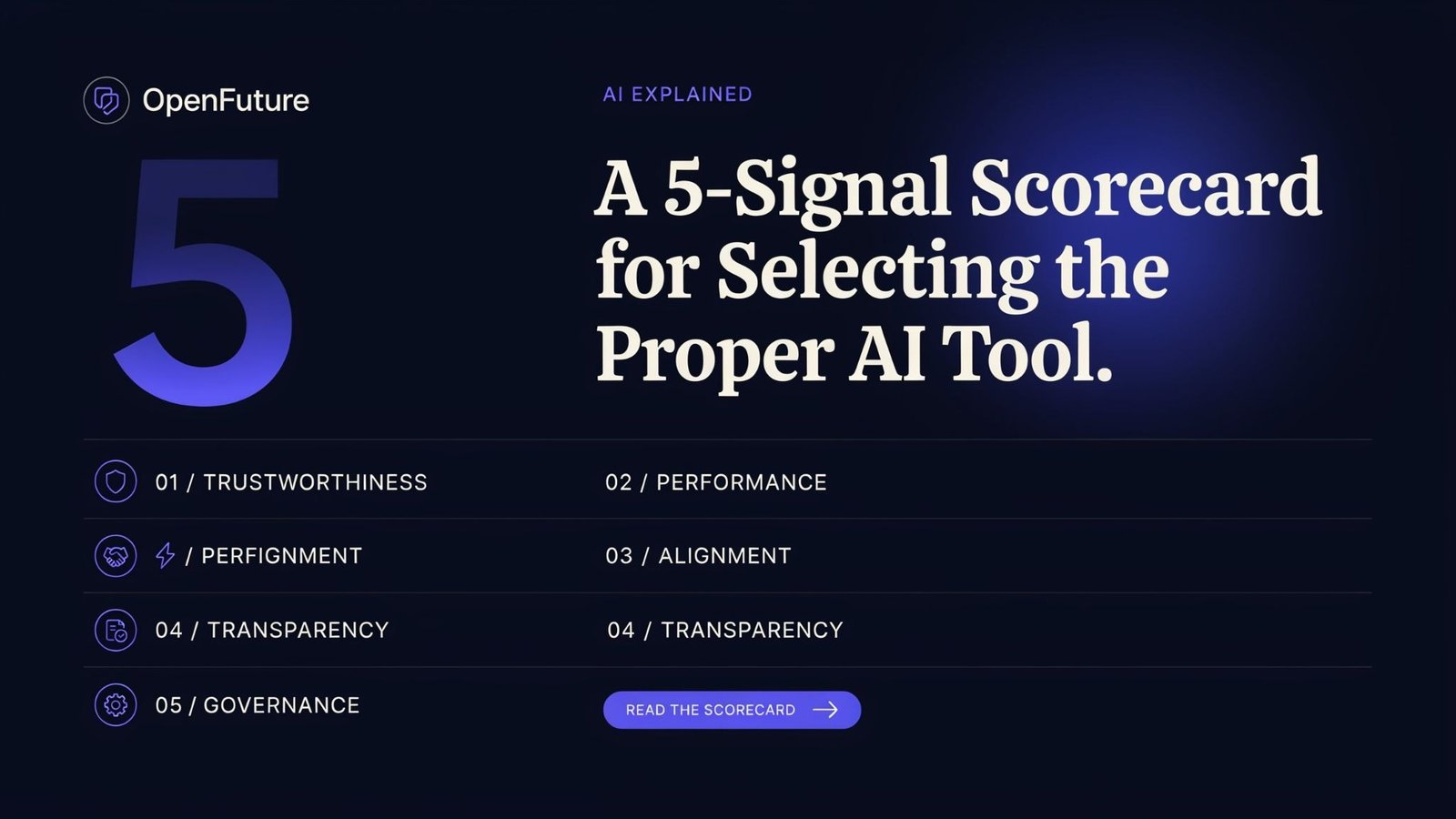
Most people judge directories by size. Size is the weakest signal. On the contrary, we use five signals with scores of either 0 (absent), 1 (partial) or 2 (strong) with a total score of 10.
| Signal | What to check | Strong looks like |
| Freshness | Are new tools and updates visible? | Recent additions, no dead links |
| Filter depth | Are there any ways of narrowing by price, use case, and/or category? | At least three usable filters |
| Listing depth | Does each page explain features, use cases, and limits? | More than a one-line blurb |
| Pricing clarity | Are free tiers and paid plans stated plainly? | Clear labels, no hidden “contact us” |
| Independence | Is sponsored placement disclosed? | Paid listings clearly marked |
How to read the score: 8 to 10 means the directory can anchor your research. 5 to 7 means use it for discovery but verify everything on vendor sites. If it is below 5, use it as a list of names only.
This scorecard can be used with any directory as a quick reference. Web Directories are frequently updated, as are their ratings, so use OpenFuture as well, not just one rating.
In this context, the question is: which should you use, Directory or Search or Chatbot?
People now find tools in three ways. Each has a different failure mode.
| Method | Best for | Main risk |
| AI tools directory | Browsing a category and filtering by price | Listings may lag behind vendor changes |
| Search engine | Verifying a specific tool and reading reviews | SEO-driven “top 10” lists with hidden affiliate bias |
| AI chatbot | Quick brainstorming of candidate tools | Outdated or invented tool names and features |
| Community threads | Real user complaints and workarounds | The size of the samples was small and there were strong opinions. |
The lesson to be learned is to mix them together. If you are making the shortlist, use a directory; if you’re looking for complaints, community threads; if you’re looking for the final pricing, it’s on the vendor’s own pricing page.
The 15-Minute Shortlisting Checklist
Here is a repeatable process that can be saved and re-used.
- Minutes 0 – 3: Specify the task. Write 1 sentence: “I want a tool to do X for Y people for Z budget.”
- Minutes 3 to 7: Filter, don’t scroll.Click on the category, set pricing filter and then view no more than 6 detail pages.
- Minutes 7 – 11: Score the finalists. Note the features, uses and costs of each.
- Minutes 11 to 14: Make sure they are off-directory. Go to each finalist’s official site, look at the current pricing and see any feedback that was provided by users recently.
- Minute 15 – Make a decision for a trial. Choose the 2 best and use them to complete an actual task, not a demo.
The teams that miss step 4 are the ones who are shocked at the price change, or some feature they never expected to be offered is no longer available.
Expert Perspective: Directories are not verdicts, they are maps.
A directory tells you what exists. It does not inform you what is appropriate for your workflow. Data for listing is frequently submitted/reported in a summary format, which may not match the current state of the product. Never assume any features, limitations or costs from the vendor, but always check.
This is also where original contributions stand out. Fresh side-by-side tests, honest “where this tool fails” write-ups, and workflow case studies are exactly what directories cannot generate themselves.
Contribute Your Own Angle
Hands-on experience desired—these topics welcome expert contributions:
- A comparison of three tools belonging to different categories, but all used on the same task.
- A pricing-change tracker for popular AI tools
- A “tool stack” breakdown for a specific profession (SEO, support, design)
- A failure post-mortem: what went wrong when a team adopted an AI tool
Conclusion: Choose Fewer Tools, Better
The utility of OpenFuture AI (or any directory) is to get a reliable shortlist, not to get more bookmarks. Use the 5-signal scorecard on the directory, filter prior to scrolling, verify on the vendor’s site, and trial two finalists on a real task. That’s when you’ve got a manageable decision when a glut of choices is available.