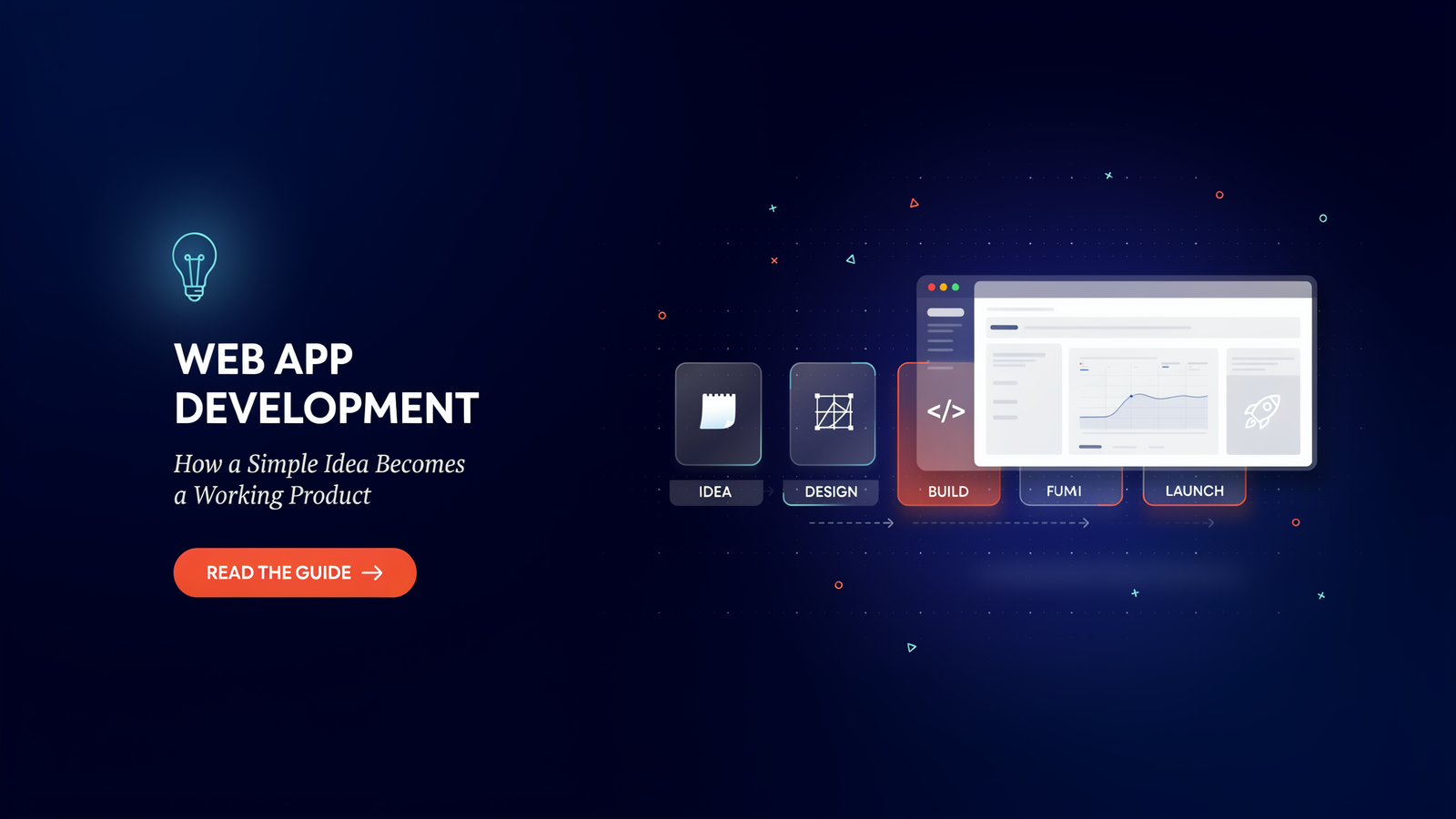
Consider apps you use without downloading such as an online banking app, Google Docs, Trello, or a food delivery app dashboard.All of them are browser based, and all of them started off as a first idea. Web app development is the process of turning that idea into software people can open from any device.For those who are thinking about a project, or just want to know how it would work, here is a real-life example from concept to launch.
A website is not like an application. A Website is not an App
Often the two words are used interchangeably but they are not synonymous. Usually a web site will present content like a restaurant menu, blog or a company’s profile. A web application enables users to perform an action: log in, save data, send messages, make payments, upload files or to collaborate with others.
This isn’t the same when it comes to the build. An application must include accounts, data sources, and security rules and logic that address the actions of specific users. More of a machine to be built, rather than a brochure to be printed.
The problem is the starting point, not the features!
The first error made is to come up with a long list of features before determining who the product is for. A better start is one sentence: “This helps [type of person] do [specific thing] without [annoying problem].”
If you can’t finish that sentenInterview real users, don’t build first and talk second. Get their answers to these questions: How are they solving the problem today? What bothers them and what would they pay for them to solve the problem. Their responses will reduce your features by half and save cash.
Plan the Smallest Useful Version
The most successful products start with a minimum viable product, or in short an MVP. That’s the smallest one that will resolve the major issue that real users have. All the rest will wait for the “big moment”.
Assume that you can have appointments scheduled to hair salons. The first version could simply enable customers to make an appointment at a particular time, and then have the salon check them out. Later, it is possible to add reminders, review, loyalty points and payment plans with the basic products.
The Main Pieces of the Build
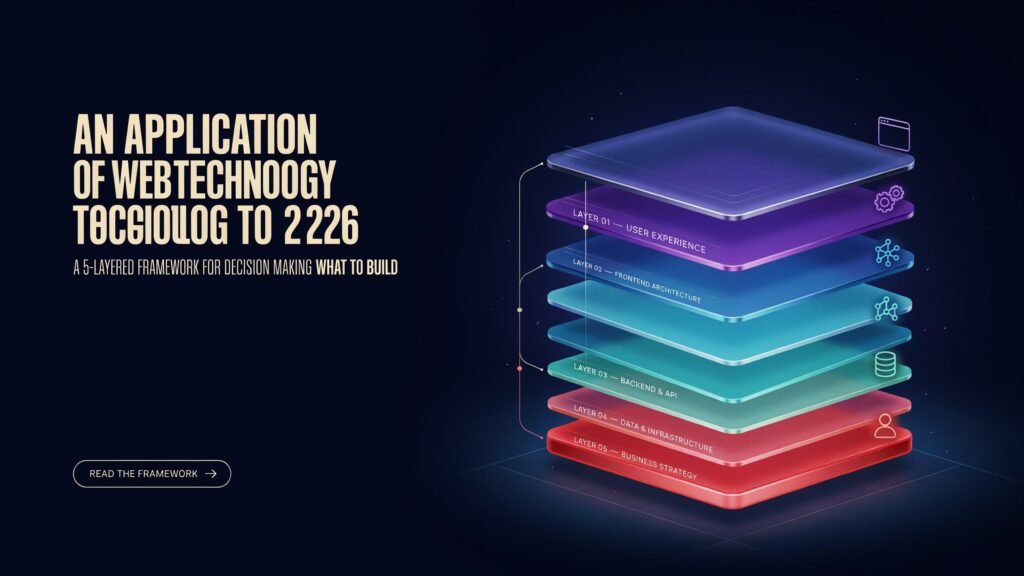
Each project consists of three layers.
The front end is what the people see and click on: Pages, Forms, Buttons and Menus. Typically developed using HTML, CSS, JavaScript and possibly also a framework like React, Vue or Angular.
The engine room is called the back end. It is responsible for logins, data storage, business rules and communicating with other services. Usually, it’s Node.js, Python, PHP, Ruby or .NET.
The database stores all the information that the app has to remember, such as profiles of the users, or orders. While some are structured such as PostgreSQL and MySQL, others are not such as MongoDB.
There’s no one right stack. This will vary according to each team’s abilities, budget and the growth of the product.
Design is more important than people think!
If it is a feature that no one knows about, why have it? Good design is layout, navigation, text, and loading that is easy to read and read from both a phone and a laptop. It’s also helpful to sketch the main screens on paper or another tool like Figma before developers begin coding. It’s very inexpensive to make changes to a drawing. Once a program is written, it’s expensive to change the code.
Accessibility is important too. An app that is easy to use for more people, and usually better for everyone, is made easier by simple things such as: good colour contrast between the elements, forms that are easy to use with the keyboard, and so on.
Security Is Not Optional
Anything that stores user data is a target. Simple protections – encrypted connections, hashing passwords, validation, and regular library updates – should be used the moment you construct the thing. The short cuts you take to save time are a risk because it will cost much more to fix the data breach than it will to prevent it.
Testing and Launch
The product should be subjected to multiple tests prior to release. The developers test each functionality, the testers do whatever they can to fail it on other browsers, devices and in other situations than the developer intended, and a few real users test it and give their feedback on what they do not understand. It is much more cost effective to solve the issues at this stage as compared to post launch.
If you do go live, continue monitoring. Monitor mistakes, loading time and user engagement with the app. But the actual behaviours could be quite different than you imagine and your Basic protections should be part of the build from day 1: encrypted connections, hashed passwords, input validation, and libraries you rely on should be updated regularly. Taking shortcuts to save time is a risk as it will be much more expensive to repair a data breach than prevent it.
Budget and Timeline
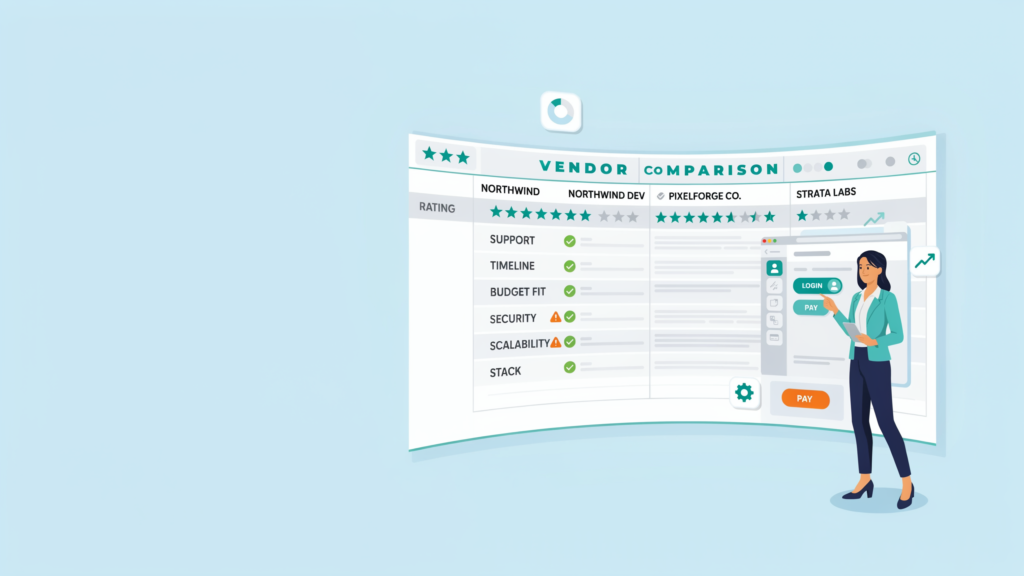
It costs different prices, depending on its size, complexity and the builders. It can be accomplished in a few weeks using a simple tool, or it can take months with a platform that integrates payments, dashboards and more. Beware of promises made in advance of the scope. A successful team will ask lots of questions first, then break the task down into steps to keep an eye on, as they go.
Final Thoughts
Making a great website app is not the same as trying to put in all ideas. It’s all about identifying a real-world issue, building a small model of that problem that was able to solve it, then testing it with real humans and then incorporating changes and improvements. Be concise, be secure and hear your users. A simple application that people use on a daily basis will have much more value than an application that will never leave the planning stages.