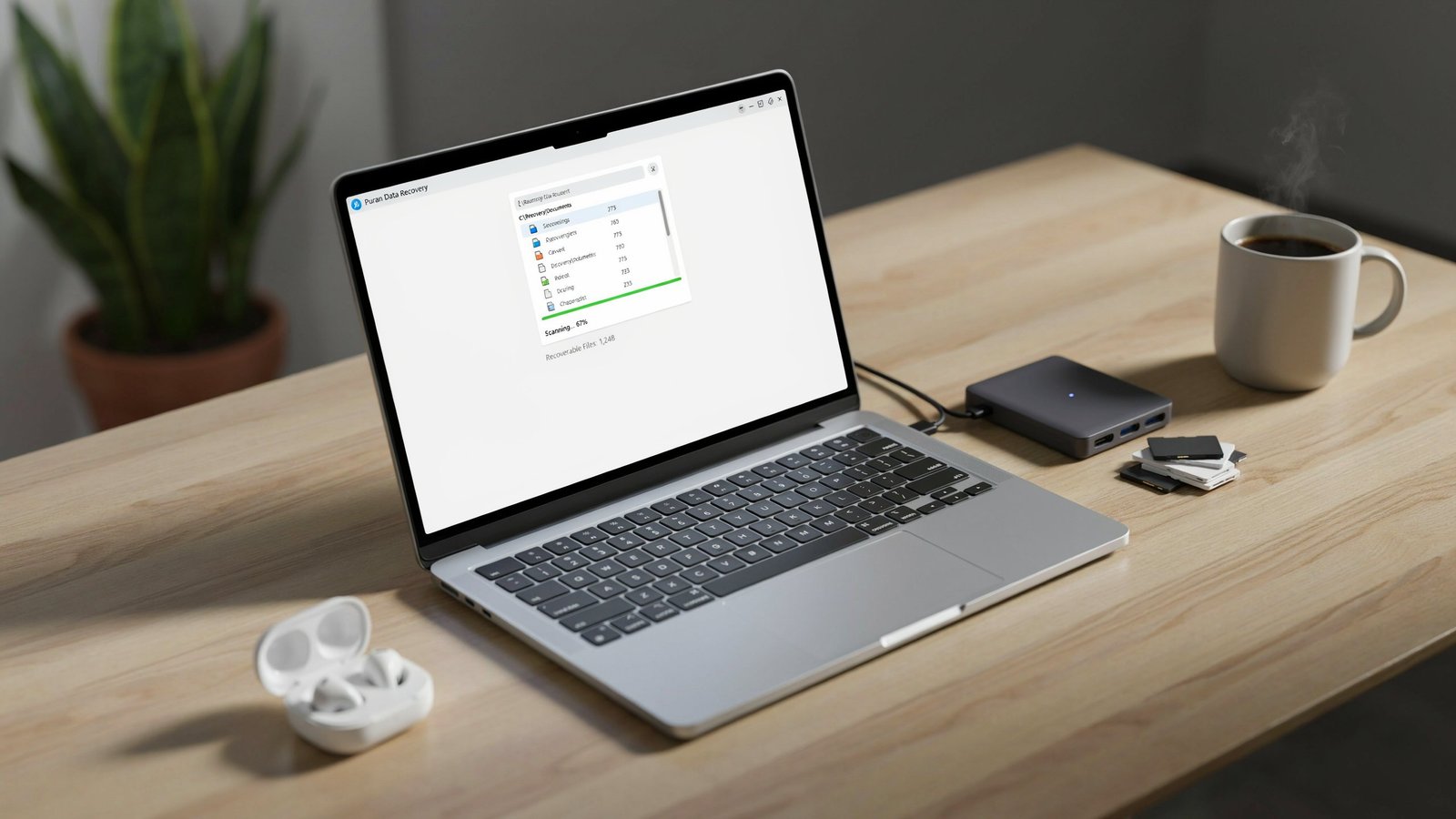
A USB stick or folder suddenly appears empty, or you deleted the wrong folder. You can recover in a FREE way, before you panic-buy a recovery software. This guide provides an explanation of its strengths and weaknesses and provides you a framework to help you decide which action to take when faced with a situation in which you have lost data.
What You’re Actually Getting
Searches for Puran data recovery lead to Puran File Recovery, a free tool designed to locate and restore deleted files from various storage devices. t is a developer that had started its utility suite in 2007 with a defragmenter and now has several small system utility applications.
Technically it can scan a location a sector at a time, view the results with a built in hex viewer and save the recovered files to an output location that you have specified. It supports NTFS, FAT32, UDF, CDFS and RAW storage and a program listing claims that it can be used on hard drives, memory cards, flash drives and optical media. The installer is small, less than 2.7 MB, and the latest version listed as 2.0.1, which was updated on 21st January 2026. Three scan modes cover different situations: Quick, Deep and Full. Deep mode scans byte by byte and, according to one listing, delivers better recovery quality than Normal mode. It also reportedly recognizes more than 50 file formats.
The Honest Limits
Free does not mean unlimited in capability. Be realistic about these points:
- Age shows. One independent review calls it a very basic recovery utility and concludes its recovery engine is limited next to modern software.
- Narrow scope. It focuses exclusively on file and partition recovery, without backups, disk-health checks or file repair.
- Windows only. Any site offering an Android version is suspect, since no official mobile app exists. Download only from the developer’s own site.
- Mixed community opinion, as the same review notes.
A transparency point about the evidence: several of the most detailed reviews are published by competing recovery vendors, who naturally recommend their own paid products for harder cases. Read them as useful but interesting.
Original Framework: The Recovery Triage Ladder
Success depends far more on what happened to your data than on which program you pick. Find your situation below.
| Situation | Free tool worth trying? | Next step |
| Deleted file, drive still works | Yes | Quick scan first |
| Quick-formatted USB or SD card | Yes | Deep scan |
| Lost or missing partition | Yes | Full scan |
| Drive makes clicking or grinding sounds | No | Power off; consult a professional lab |
| Drive not detected by Windows | No | The tool only scans storage Windows can see |
| Phone or tablet data | No | Use a dedicated mobile recovery tool |
| Overwritten or heavily used drive | Low odds | Try anyway, expect partial results |
The “drive not detected” row matters. A review of the program stresses it works with storage that Windows can still detect. Physical failure is a different problem, and every extra power-on can make it worse.
Original Framework: The Recoverability Score
Rate your situation to set expectations before you start. This is our editorial heuristic, not a measured statistic.
Add one point for each “yes”:
- You noticed the loss within minutes or hours
- You stopped using the drive immediately
- The drive is a traditional hard disk, USB stick or SD card (not a heavily used SSD)
- The files were deleted or the drive was quick-formatted, rather than overwritten
- The files are common types (photos, documents, video)
- You have a second drive available to save recovered files onto
Interpretation: 5-6 – good odds. 3-4 indicates a possibility for partial recovery. 0-2 – set low expectations and use a professional.
A note should be made on item 3. The chances of data recovery from solid-state drives are lower because they tend to delete data with ease in the background. The main idea of one review is this: If data is erased, you will win.
The seven rules that protect your data
- Discontinue usage of the affected drive immediately. All write operations can destroy what you want!
- Do not install Recovery Software on the drive you are recovering from. Install it elsewhere.
- Re-boot to another drive. You can set the output location and can select another disk.
- Use Quick scan and then Deep or Full if necessary.
- Preview before recovering. The hex viewer is a tool to help verify that a file is complete.
- Only download from the official developer site and if you see a mirror or APK page, be wary of it.
- If hardware is showing signs of failure, escalate early. If any strange noises are heard, STOP, do not repeat.
When to Choose Something Else
For simple cases, and by accident deleted files or formatted memory card, it’s best to start with a free tool. It searches for alternatives to compare when it discovers that little is available, including free tools like TestDisk and PhotoRec, as well as Recuva and Disk Drill. For partition issues, TestDisk is frequently recommended, and for more complex scenarios, expensive software might be more suitable. If you have irreplaceable data, like family photos on a broken hard drive or business records, then hiring a professional data recovery lab is the safer bet as repeated amateur attempts can diminish what can be recovered.
The Takeaway
If you notice windows detected storage and it is not a big deal to recover then Puran data recovery is reasonably free on the first attempt. Calculate the Recoverability Score, keep to the seven rules and recover to a separate drive. However, if the drive is failing in some way or contains irreplaceable information, don’t attempt any repairs yourself; simply call a professional to do the work for you.




One Response