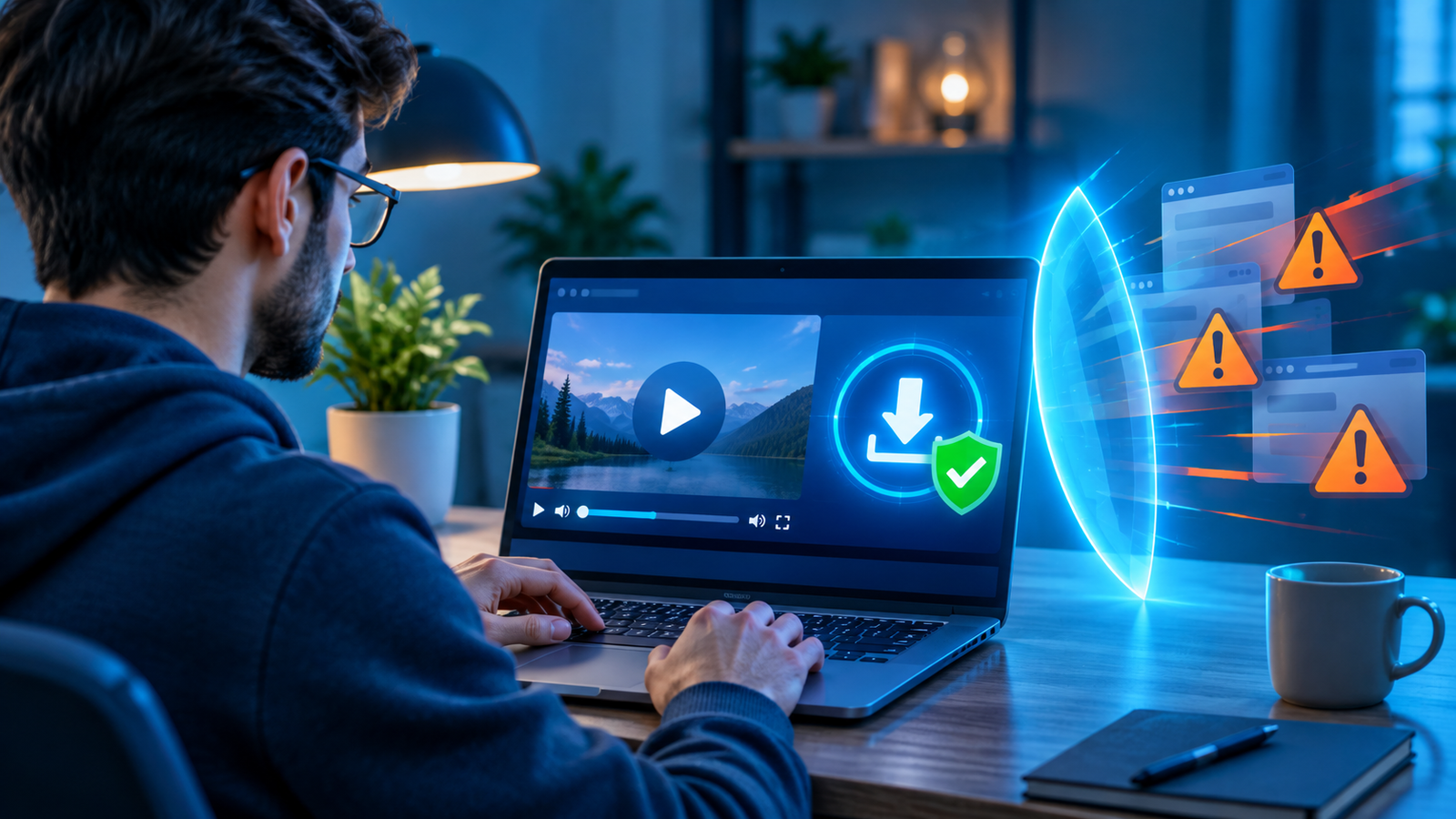
You may wish to download a video to view offline. Often, a free video downloading website will be the first search result. However, there are always compromises to free services and it can be useful to understand these. Below I explain how Save From networks and provide tips for more safely using such services.
What is Save From net?
As the name suggests, this is a free online video download service. Simply enter a video URL, select the required format and download. No account is required and installation is not needed. It can be used for videos on a variety of widely-used websites, for example YouTube, Facebook, Instagram and TikTok.
Save From net has been operating for over 10 years. Alongside the online version, there is a downloadable browser plugin and the company also sells a paid for computer programme. The online version is funded through these other services.
How it works
- Select and copy the URL for the video you wish to download.
- Paste this into the video downloader.
- Choose the desired video format and quality and download.
Video quality can differ. Sometimes only low quality versions are available and sometimes even the highest quality download lacks audio – this is often due to a website’s own limitations.
Is it safe?
Generally, yes – as long as you take appropriate steps. Although the site is often considered to be functional, there are a number of areas where safety can be compromised.
- Over-zealous advertising. Pop-up windows and false download buttons can all be encountered. Accidentally selecting an incorrect button can cause you to be directed to unsuitable pages.
- Fake sites. Numerous imitation websites and third party programmes exist and often share a similar name to SaveFrom.net. Not all of these can be trusted.
- Browser plugin. Plugins can request extensive access rights. Wherever possible, avoid using these and stick to the standard online version.
- Alerts. The website may seek permission to send you alerts. Disable this function.
Top tips for safer use
- Always manually enter the correct website address rather than following an advertising search result.
- Use an ad-blocker.
- Never download .exe files or ‘updates’ from a video download site.
- Avoid submitting private or financial information.
Is it legal?
This will depend upon both the type of video that you are downloading and where you reside. Normally it is acceptable to download videos that are your own, those that are licensed for free use or which an author has expressly allowed to be downloaded. Typically, however, it is unlawful to download copyrighted material without permission. In addition, it is also generally against a video sharing site’s terms of service to do so. Please consult local legislation for specific guidance – the above is not legal advice.
Comparison of video download services
| Service Type | Cost | Installation | Main Disadvantage |
| Online video downloader (such as SaveFrom.net) | Free | None | Ads and reliability issues |
| Computer video downloader | Free or paid | Yes | Installation and updating |
| Browser plugin | Usually free | Yes | Extensive access rights requested |
| Trusted offline facility (for relevant apps) | Often paid | Only available via app | Restricted to one platform |
Provided that you only wish to download videos from a particular platform, then that service’s genuine offline function is typically both the most secure and legal method of doing so.
Common issues and solutions
- Unable to download a video: Try reloading the page or changing browsers.
- Lack of audio: Download a reduced quality version which does include audio.
- Persistent pop-up windows: Manually close these and ensure that your ad-blocker is active.
- Website fails to load: Websites can at times be over-busy or even experience server problems. Retrying at a later date may resolve this.
Pre-download safety questions
- Have I manually entered the correct website?
- Is my ad-blocker active?
- Do I have permission to download this video?
- Am I not using plugins or further software?
- Is my anti-virus programme current?
In short
Although Save From net provides a user-friendly, fast method for downloading videos, this should not be allowed to override safety. Always access the genuine website, utilise an ad-blocker, refrain from installing further software and only download items for which you have the appropriate licence. Wherever possible, use the recognised offline function for the platform that you are currently viewing.