Imagine it’s Friday night and you are in the middle of a film. You are on a video call and your phone is updating. Suddenly your wifi goes down. This happens in many households. It makes sense to think “Well, it was my fault, I need something quicker,” because you know how you will be using the internet and therefore know what connection speed you will need. However most of the time you will find the answer is beneath the marketing. But sometimes it isn’t.
Speed Is Not Just One Number
Usually when providers are trying to sell you their package they will mention how fast the download speed is. The download speed is measured in megabits per second (Mbps). This will affect how fast you can stream, browse and download data onto your devices.
Upload is when you are sending data. If you’re video calling, uploading photos, or sending a large file you will want a good upload speed. Many home packages offer a very slow upload speed.
Latency (or ping) is how fast you receive a response after sending a signal. Whilst reading this article you will notice latency, however it will become more apparent if you’re playing online games or on a phone call where people are talking to each other at the same time.
What Different Activities Actually Need
Many of these are much lower than you think. For web surfing and email you’ll only require around 10Mbps. For HD streaming you’ll require 5-10Mbps per stream however 4K will require 15-25Mbps. Video call streaming requires approximately 2Mbps up/down. Gaming requires low bandwidth but high latency/speed.
This is an estimate and will differ depending on the service you are using. It’s also important to note stacking. If only 1 user is streaming HD then it won’t be too bad. But if you have 3 extra users, a gaming console and a laptop syncing files then you will have a large increase in demand.
Matching a Plan to Your Home
Take the time to think about it.
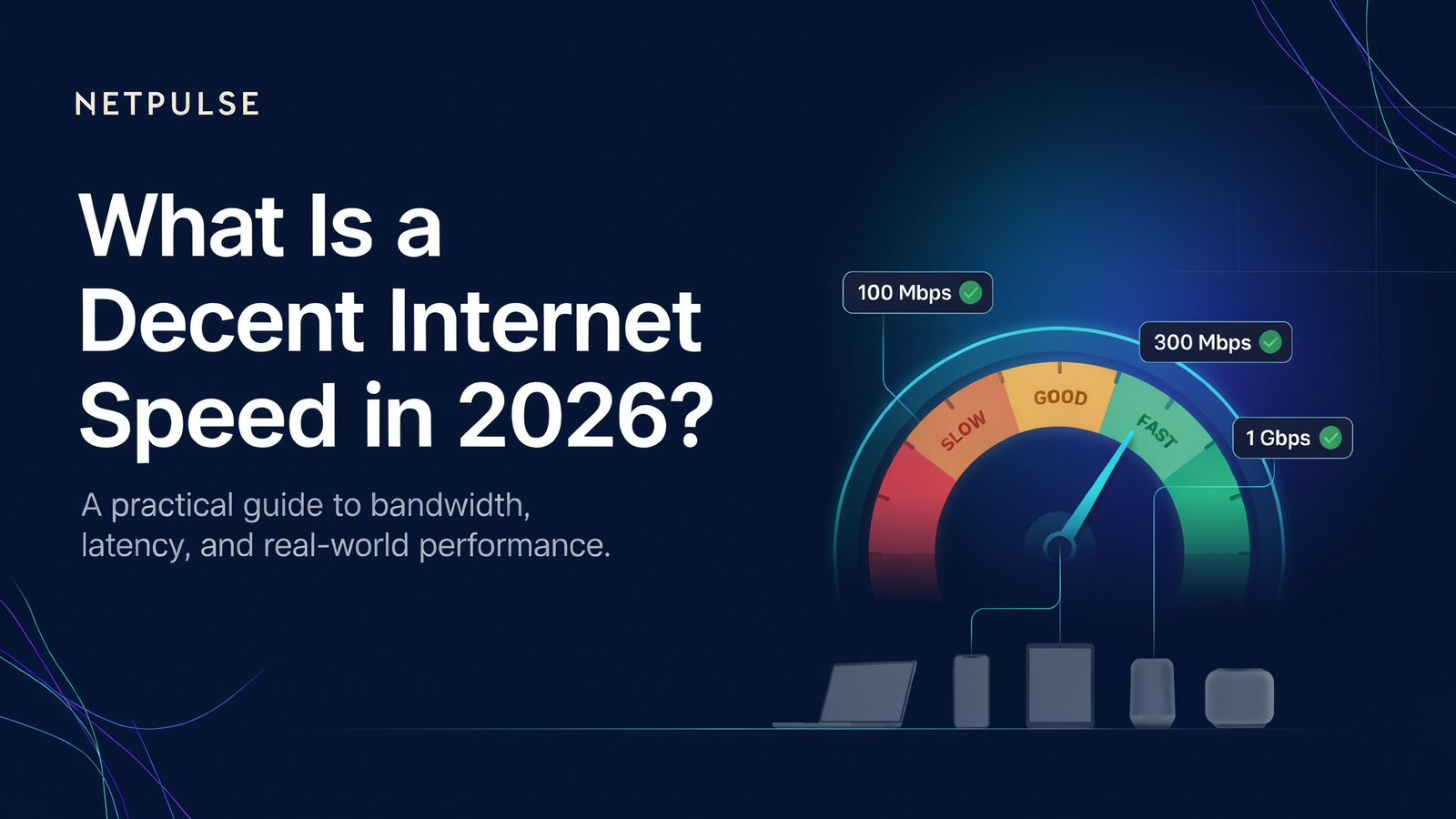
People who primarily browse the web, stream and make occasional calls should consider 30 to 50 Mbps.
If your family has phones and laptops and all three are on at once, 100 to 200 Mbps is a great speed to consider. Individuals can do their own, not noticing others.
With huge files, multiple smart devices, or multiple 4K screens streaming, consider 300 Mbps or higher.
Gigabit plans are impressive, but a decent 200- to 500 Mbps download speed will make little difference to most subscribers. If you don’t transfer big files daily, the added funds would be better for a great router, or something else.
Why Upload Deserves More Attention
In case you conduct video meetings or send substantial files, examine the upload velocity before joining. For most remote workers, the goal is to achieve a desirable 10-20 Mbps. A call might be frozen, large uploads might take eons to complete even if the download number may look impressive, below 5 Mbps.
Why You Might Not Get the Speed You Pay For
Often advertised speeds are “up to” a number with no guarantees of that actual performance—results may be slower. However, this isn’t always the provider’s fault.
The most frequent is due to Wi-Fi. The walls, the floor and the distance between the sensor and the router weaken the signal and so do neighbors. A phone in a different room, 2 rooms away from the router can work at 1/10 of that speed from being next to the router.
Even an old router can be a limiting factor. If it’s quite a few years old, it may not be able to deal with the velocity of a more recent plan. The slowdown is accentuated by too many devices plugged in, background downloading and jam-packed evening hours.
How to Check Your Own Connection
Perform a speed test several times a day. An accurate measurement can only be obtained using a cable to the router, rather than WiFi, and a computer. Wait until later in the day when networks are more likely to be busy.
If you do not get results that are much different from what you pay for, write them down and get in touch with your provider. When you have evidence, it makes it a lot easier to converse with someone.
Easy Ways to Improve What You Have
Look for free solutions first before opting for more expensive ones. Set-up the router in an open space in the middle of the room and not in a cupboard. Re-start it periodically. For devices that don’t move, such as a desktop or TV, use a cable. Hold off on large downloads when using an important call.
For a big house, a mesh Wi-Fi network can help extend a robust signal throughout multiple rooms. This is a much more important thing to many than upgrading to a faster plan.
Final Thoughts
While there is no one single value, a good internet connection for most homes is in the range of 100 to 200 Mbps down, 10 to 20 Mbps up, and with a low latency rate and low delay. There’s no need for more if your family is smaller. If it’s crowded, shoot for a higher number. When you’re ready to upgrade your connection, first check your connection, and then examine your router and coverage. You’ll save time and money if you pick a plan that you are accustomed to.