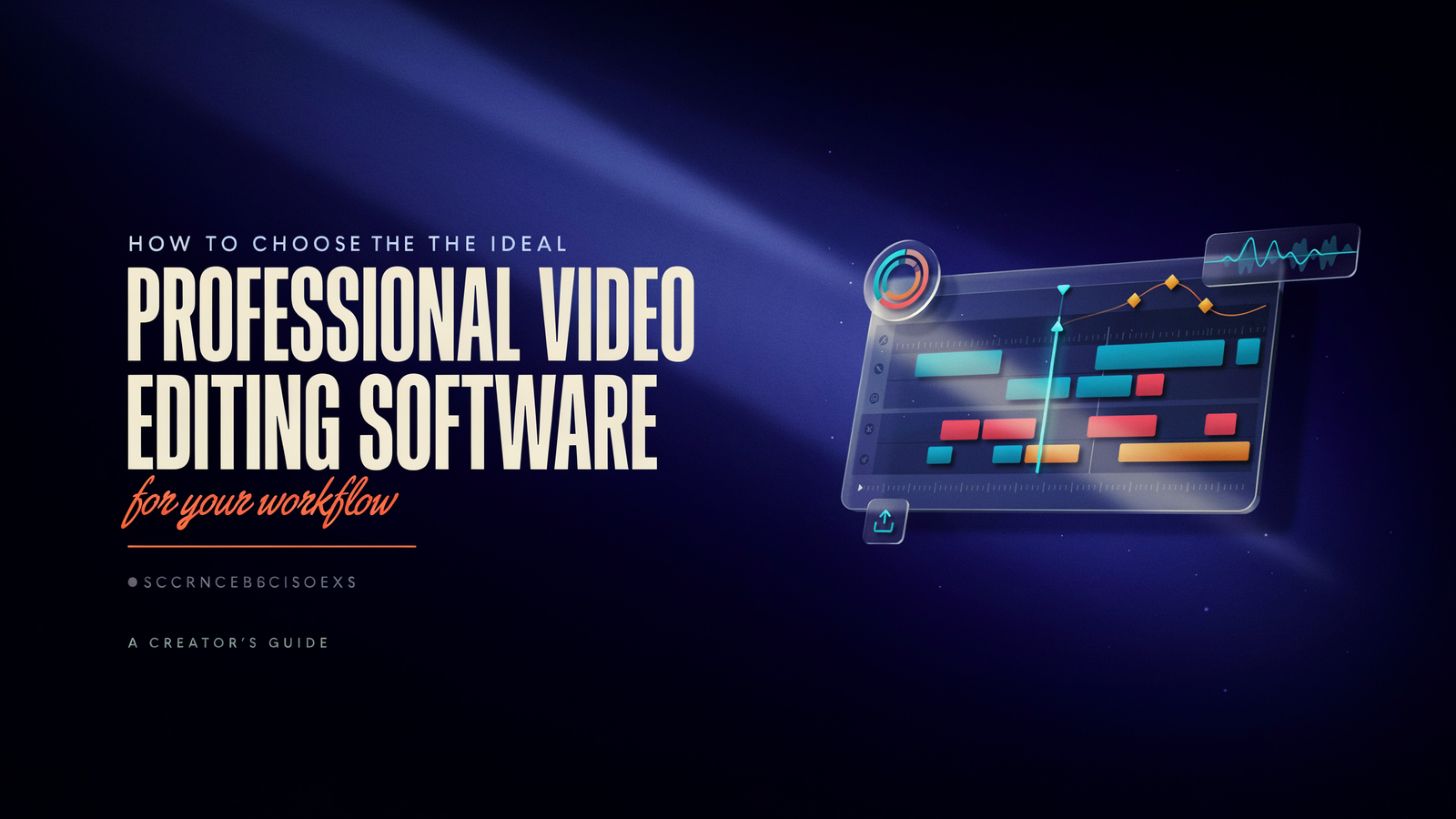
Ask any five editors and you will get five brash responses as to which is the best tool. They’re not all bad. The best choice of professional video editing software isn’t about which program has the most features; it’s about how you work, what machine you own and who you give files to.
This guide doesn’t take the form of the usual top-ten. It provides you with a brief comparison, a 4 question decision process and a 30-minute test you can take before you spend any money.
Because there is no one winner.Because there is no one winner.
All of the major editors can edit a timeline, add titles, mix audio and export it for the web. The difference is really in the details:
- How well it handles color work
- How smoothly it runs on your hardware
- Whether your clients and collaborators use the same tool
- Whether you’d rather pay monthly or once
A solo YouTuber, a wedding videographer and a broadcast team have very different needs, so the “best” pick changes with each of them.
The main contenders
Many organizations and post production companies prefer using Premiere Pro by Adobe as the software of choice. It’s a subscription only. The single-app plan runs at about $20 to $23 a month, depending on the source and the billing option, so please consult Adobe’s page for the latest fee.
DaVinci Resolve has gained fame for color grading, and is also a complete editor with inbuilt effects (Fusion) and audio tools (Fairlight). It’s very unusual that the core version is free.
The paid Studio version is a one-time purchase, listed at about $295, and adds more AI tools, noise reduction and extra effects.
Final Cut Pro is Mac only. IIt works on Apple Silicon, it’s a one-time item for $300 and it’s quick even on more well-behaved Macs. It is contentious with some editors embracing it, and others never getting accustomed to it.
Avid Media Composer is still widely used in film, TV and broadcast, largely for its ability to work with large shared projects and long-form content. If you want to be in that world, you need to learn.
For most freelancers, it’s more than they need.
Prices change and regional pricing varies, so treat the numbers above as a guide and confirm on each company’s site.
Side-by-side comparison
| Premiere Pro | DaVinci Resolve | Final Cut Pro | |
| Platform | Windows, Mac | Windows, Mac, Linux | Mac only |
| Pricing model | Subscription | Free core, one-time Studio | One-time purchase |
| Strongest at | Team workflows, Adobe integration | Color grading, all-in-one finishing | Speed on Apple hardware |
| Learning curve | Moderate | Steeper (many modules) | Gentle, but unconventional |
| Best for | Agencies, mixed-software teams | Colorists, solo creators, small studios | Mac-based solo editors |
The Workflow-First method
Instead of comparing features, answer these four questions in order. Most people find their answer by question two.
1. What computer will you edit on?
If it’s a Mac and you work alone, Final Cut Pro is a strong candidate. If you’re on Windows or Linux, it’s out, and your choice is between Premiere and Resolve.
2. Who else accesses your files?
Match client, freelancer or teammate’s software when receiving project files. Projects do not translate from one editor to another without a hitch, and the difference between the two can cost hours. If you’re a solo artist, and you are providing exported video, you select whatever you want.
3. How do you spend your time?
- Interviews/VOBs mostly cut and trimmed – any of the three will do, depending on how it feels in your hands.
- Mainly colour correction and grading: Resolve has the upper hand.
- Titles and mostly motion graphics: Premiere with After Effects is going to be tough to beat.
- Generally very quick for social content: Final Cut Pro or Premiere.
4. How do you plan to pay for your housing?
- Subscription allows you to pay for services over time and stay up to date. One-time purchases cost more at the front-end and are less expensive over several years.
- At roughly $20 a month, a Premiere subscription passes the price of a one-time license in a little over a year.
Write your four answers down. The tool that fits all four is your pick.
Hardware matters more than people admit
Editing is demanding on your computer. Even the best software sounds terrible on crappy hardware and these few things make all the difference:
GPU: Where Resolve takes particular advantage of the graphics card for playback and effects. 16GB RAM is the bare minimum for 4K work, and 32GB RAM is more comfortable.
Storage: Edit from a fast SSD, not a slow external drive. Have an archive drive.
Proxies: Make proxies if playback stutters. This is supported by all three editors and can save a machine with not enough power.
Do not assume that a program is slow just because it is on a slow machine!
The 30-minute test
Avoid committing on the basis of reviews – even this one. Select a real project, one you’ve already edited, and rebuild a one minute section in the trial version or free version.
Record the time and record:
- How long it took to import, organize and rough-cut the clips
- Whether playback stayed smooth
- How easy it was to find the tools you wanted
- How the export looked and how long it took
- Whether you felt annoyed or comfortable
The last point counts. You’ll spend hundreds of hours in whatever you pick, so the one that feels natural is usually the better choice.
Common mistakes
Choosing by what looks impressive. A tool with more features isn’t better if you use ten percent of them.
Ignoring your collaborators. A great editor that nobody else on your team uses becomes a bottleneck.
Switching too often. Switching programs every couple of months doesn’t allow you to become quick in any of them. Try a tool with some actual projects before you start using it.
Skipping learning resources. Each of the three has a substantial free tutorial library. One hour of planned learning is better than one week of educated guesswork.
The takeaway
The best professional video editing software is the one that is compatible with your computer, your colleagues and your type of work the most.Premiere is ideal for collaborative work, Resolve is for those who love colors and those operating on tight budgets, while Final Cut Pro is ideal for individual Mac editors. Go through the four questions and give the software a test run on an actual project before settling for it.